Sale!
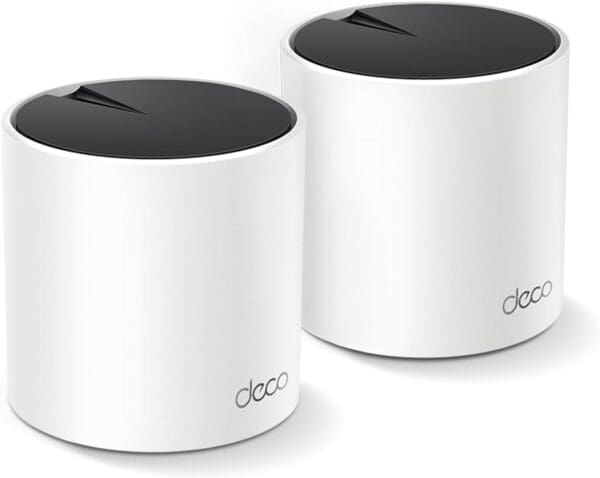
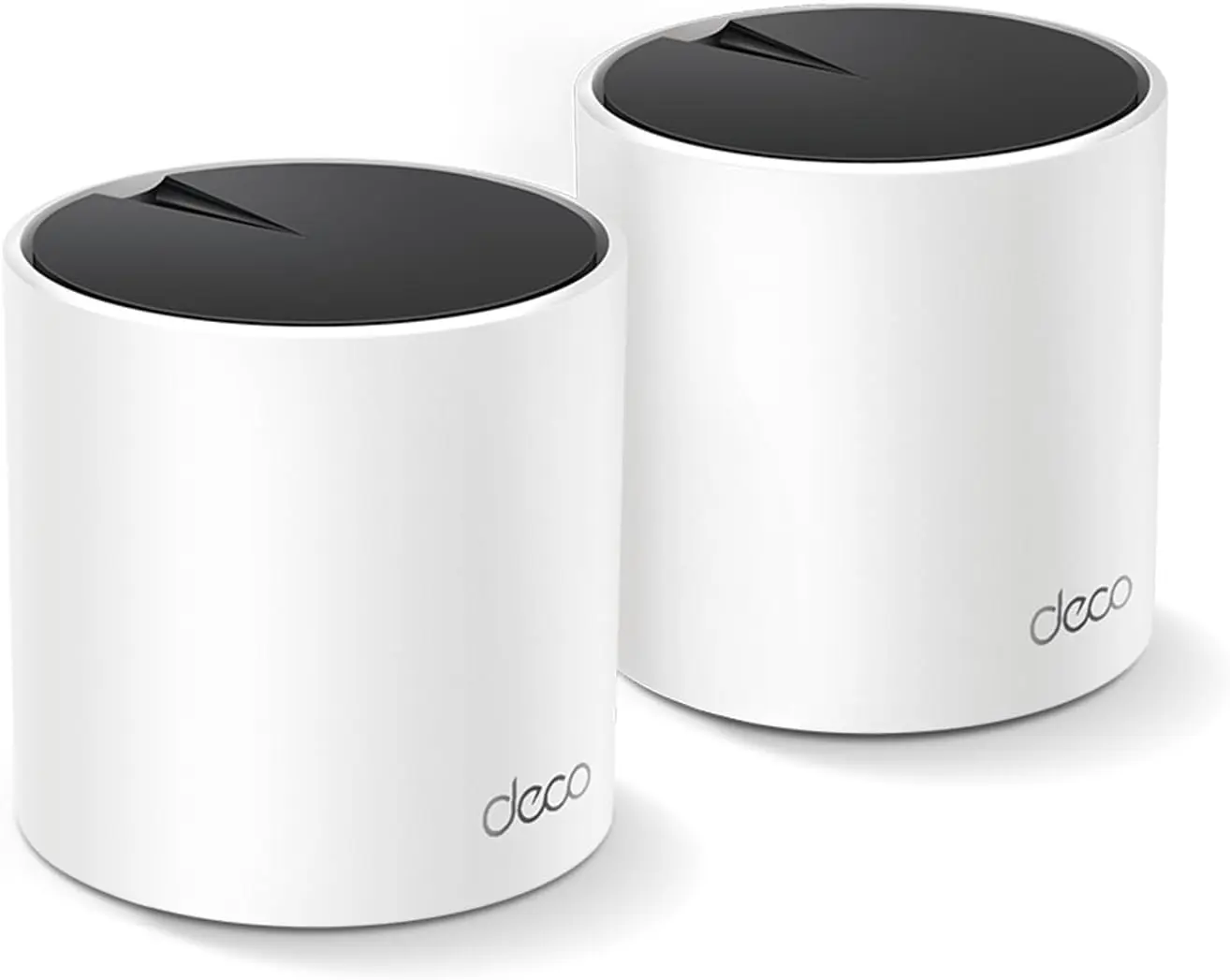
TP-Link Deco AX3000 WiFi 6 Mesh System


Description
Deco X55 Key Features
- AI-Driven Mesh Technology: Automatically learns network environment and optimizes connectivity based on usage patterns[source]
- Ethernet Backhaul Support: Connect units via ethernet for lossless speeds between nodes[source]
- HomeShield Security: Built-in network scanner, QoS, and basic parental controls (Pro features require subscription)[source]
- 160 MHz Channel Support: Delivers maximum WiFi 6 speeds when conditions permit[source]
Deco X55 Pros:
- Setup completes in under 15 minutes via guided app instructions
- Each unit includes 3 Gigabit ports (6 total in 2-pack)
- Works with all other TP-Link Deco models for easy expansion
- Minimal design blends into any home decor
Deco X55 Cons:
- 5GHz band limited to two streams affecting simultaneous device performance
- Cannot disable DHCP in router mode
- Advanced security and parental features require $5.99/month subscription
- Requires TP-Link ID account for setup and management
Recommended For:
- Homes struggling with WiFi dead zones due to thick walls or long distances
- Households with 20-50 smart home devices requiring stable connections
- Users upgrading from WiFi 5 routers seeking better device handling
Additional Information
Deco X55 Key Features
- AI-Driven Mesh Technology: Automatically learns network environment and optimizes connectivity based on usage patterns[source]
- Ethernet Backhaul Support: Connect units via ethernet for lossless speeds between nodes[source]
- HomeShield Security: Built-in network scanner, QoS, and basic parental controls (Pro features require subscription)[source]
- 160 MHz Channel Support: Delivers maximum WiFi 6 speeds when conditions permit[source]
Deco X55 Pros:
- Setup completes in under 15 minutes via guided app instructions
- Each unit includes 3 Gigabit ports (6 total in 2-pack)
- Works with all other TP-Link Deco models for easy expansion
- Minimal design blends into any home decor
Deco X55 Cons:
- 5GHz band limited to two streams affecting simultaneous device performance
- Cannot disable DHCP in router mode
- Advanced security and parental features require $5.99/month subscription
- Requires TP-Link ID account for setup and management
Recommended For:
- Homes struggling with WiFi dead zones due to thick walls or long distances
- Households with 20-50 smart home devices requiring stable connections
- Users upgrading from WiFi 5 routers seeking better device handling